Small service businesses often grow from a very manual process.
At first, everything works through WhatsApp. Customers ask, the owner replies. Bookings are written in notes, Google Calendar, or a spreadsheet. When customer volume is low, this feels good enough.
But when inquiries start coming from the website, Google, Instagram, ads, referrals, and returning customers, the manual system begins to feel small.
Not because the owner is disorganized, but because bookings contain many details: date, time, customer, package, payment status, follow-up, reschedule, cancellation, and special notes.
At this stage, the business needs an online booking system that helps customers book more easily and helps owners manage operations more calmly.
The question is: what kind of online booking system actually fits a small service business?
Do not choose a system that is too complicated
The first mistake is choosing software that is too heavy.
Small service businesses do not always need an enterprise platform with dozens of menus, complex workflows, and a long setup process. Owners need a system that can be used quickly, understood by admins, and does not confuse customers.
If customers need too many steps just to submit an inquiry, conversion may drop.
If owners need to learn a hotel-style system while their business only has a few services, onboarding slows down.
A good system for small businesses should be simple on the customer side, but structured enough on the owner side.
Customers see a light flow. Owners get clean data.
Essential feature 1: public booking page
An online booking system should provide a public booking page that can be shared directly.
Ideally, this page includes:
- Business name and information
- Services or packages
- Price or price range if relevant
- Date and time selection for session-based businesses
- Inquiry form if customers do not need to select a slot
- Policy and confirmation notes
- Clear CTA
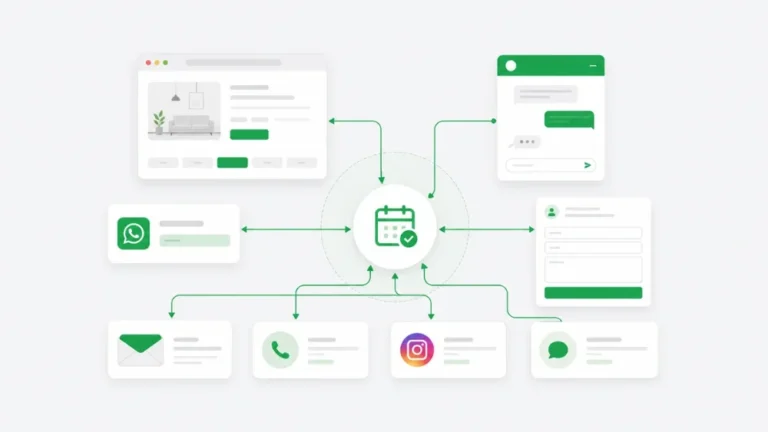
A public booking page matters because owners can send traffic from Instagram bio, Google Business Profile, websites, ads, QR codes, or WhatsApp.
If every customer is sent only to chat, data gets scattered quickly. A booking page makes the first step more structured.
Essential feature 2: mobile-friendly form
Customers of small service businesses often book from their phones. The form needs to be light, clear, and not feel like a long administrative task.
Useful fields usually include:
- Name
- WhatsApp or phone number
- Email if confirmation is needed
- Service or package
- Date or requirement
- Number of guests or participants
- Additional notes
The form does not need to be long. The more focused it is, the better.
For inquiry-based businesses, date can be optional. For session businesses, date and slot are usually required. For camps or retreats, start date and end date matter more.
This is why booking mode needs to match the business type, instead of forcing every business into the same flow.
Essential feature 3: availability and capacity logic
If the business sells slots, the system needs to know which slots are available.
For example:
- 10 AM appointment is already full
- Class capacity is 10 participants
- Morning tour has only one guide
- Rental items are limited
- Surf lessons have capacity per instructor
Without availability logic, customers may select a time that is not actually available. The owner then needs to chat again and reschedule manually.
For small businesses, this is a common source of friction. The customer feels they already booked, but the owner says the slot is full.
A good online booking system should prevent this problem early.
Essential feature 4: clear owner dashboard
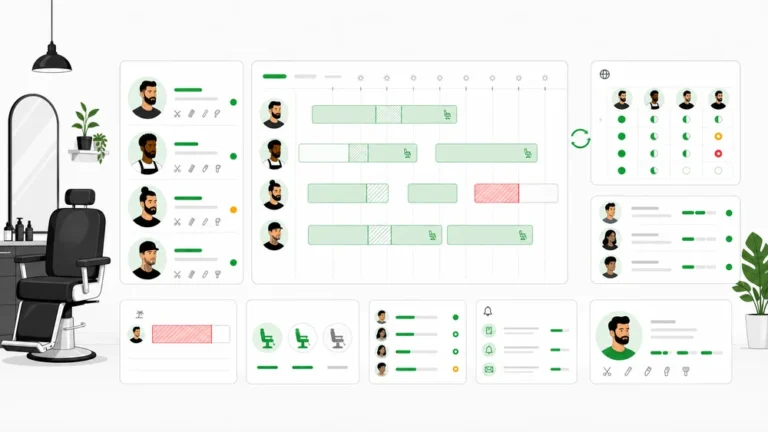
Owners do not only need customers to submit forms. They need a dashboard to manage what comes in.
At minimum, the dashboard should help show:
- New bookings
- Today’s bookings
- The next 7 days of schedule
- Customer details
- Booking status
- Payment or deposit status
- Bookings that need attention
- Conversations or inquiries that are not resolved
If the dashboard is too busy, owners will avoid it. If the dashboard is too empty, owners will still return to WhatsApp or spreadsheets.
The ideal dashboard helps the owner answer one question: “What needs my attention today?”
Essential feature 5: reliable notifications
Small businesses often do not have a dedicated admin online all day. Notifications need to be clear.
When a booking or inquiry arrives, the owner needs to know through a reliable channel, such as email or Telegram notification.
But notifications should not become noisy. If every minor update creates an alert, the owner becomes numb and starts ignoring them.
Important notifications include:
- New booking
- New inquiry
- Booking needing attention
- Reschedule or cancellation
- Payment or deposit update if available
Good notifications reduce the need to refresh the dashboard constantly.
Essential feature 6: AI chat if inquiries repeat often
Not every online booking system needs AI. But for businesses that receive repetitive questions, AI chat can be very useful.
AI helps when customers often ask about:
- Pricing
- Packages
- Location
- Availability
- Differences between services
- Policy
- What to bring
- Whether the service fits their needs
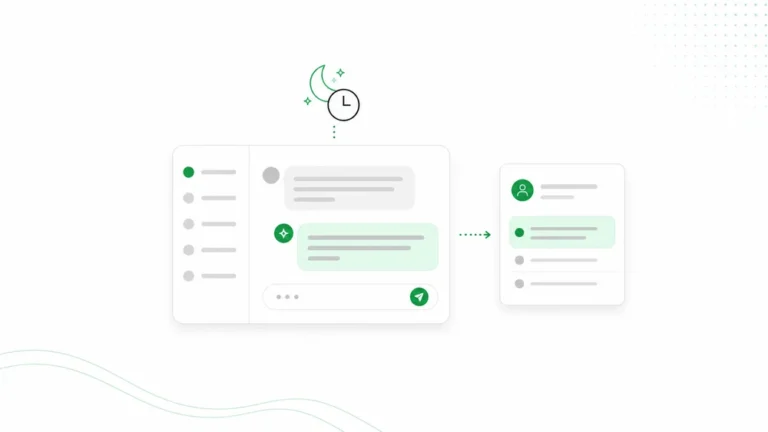
AI booking chat answers questions before the customer submits a form. This makes the flow feel more natural, especially for customers who are not ready to book immediately.
But AI needs to connect with operations. If AI only chats without capturing leads or creating booking requests, its value is limited.
Read AI booking assistant vs chatbot for the difference.
Essential feature 7: confirmation and tracking
After customers submit a booking or inquiry, they need reassurance.
A confirmation page or confirmation email helps customers know their details have been received.
For owners and ads vendors, confirmation also helps tracking. It is much easier to measure “inquiry submitted” or “booking created” than only measuring a WhatsApp click.
This matters when the business starts running ads and wants to know which campaign is generating quality leads.
For the advertising angle, read how to make ads more measurable with booking forms and confirmation pages.
Do not only look for features. Look for operational fit.
Feature checklists matter, but operational fit matters more.
Ask:
- Does the business need session booking, camp booking, or inquiry?
- Should bookings auto-confirm or require owner review?
- Does the customer need to select a slot or only submit a need?
- Does payment or deposit need to be tracked?
- Does the admin need a daily run sheet?
- Should AI answer questions before booking?
- Can the system be embedded into the existing website?
The best system is not the one with the most features. It is the one that reduces manual work without making the customer experience complicated.
How Arion fits small service businesses
Arion is designed for businesses that want cleaner bookings and inquiries without a heavy setup.
Arion supports:
- Public booking page per business
- Session, camp, and inquiry modes
- AI conversational booking
- Availability checking
- Booking creation
- Owner dashboard
- Needs attention queue
- Today’s run sheet
- Customer database
- Payment and deposit tracking
- Email and Telegram notifications
- Embedded chat for business websites
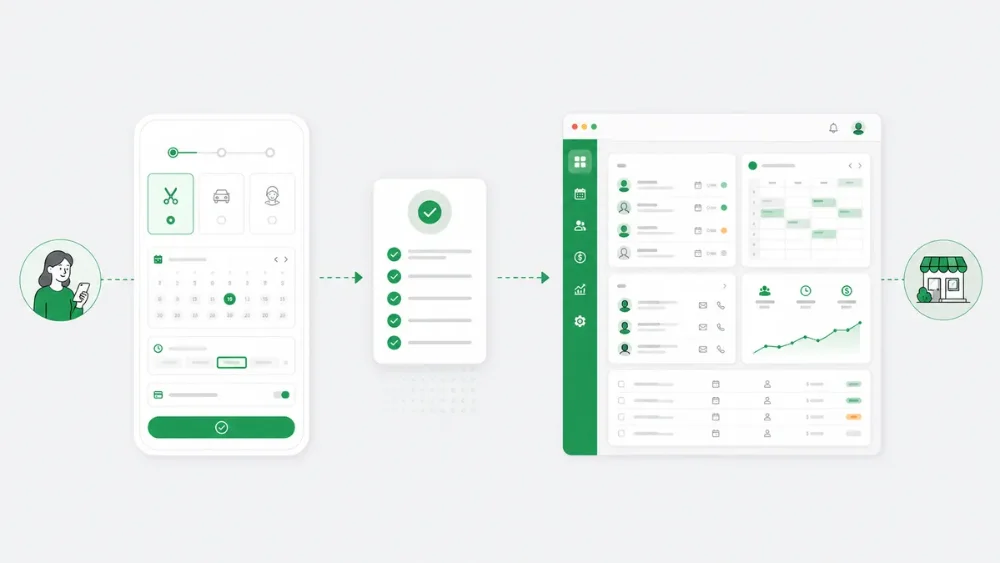
For customers, the flow remains simple and mobile-friendly. For owners, data enters the dashboard instead of piling up inside WhatsApp.
Conclusion
Small service businesses do not always need large software. But once bookings become regular, manual systems start to fall short.
A good online booking system should make it easier for customers to submit bookings or inquiries, and easier for owners to manage schedules, customers, statuses, and follow-up.
When combined with an AI booking assistant, the system can also answer repetitive questions and capture leads from customers who are not ready to fill out a form immediately.
The goal is not simply to have digital tools.
The goal is a more organized business: bookings are not scattered, follow-up is clearer, and owners can run the day with more calm.
FAQ
When does a small business need an online booking system?
When inquiries become regular, schedules become hard to track manually, or the owner often needs to search old WhatsApp chats for customer details.
Does an online booking system need a payment gateway?
Not always. For the early stage, deposit instructions and payment status tracking can already help a lot. A payment gateway can be added when needed.
Does every business need date and time selection?
No. Session businesses usually need date and time. Camps need start and end dates. Inquiry businesses can use a needs-based form without requiring a slot.
Is AI required for an online booking system?
No, but it is very useful when customers often ask the same questions before booking.
CTA
If your business is receiving more inquiries but bookings are still scattered across WhatsApp, notes, and spreadsheets, Arion can help organize the flow.
With Arion, customers can book, submit inquiries, or chat with an AI booking assistant — while owners manage schedules, customers, payment status, and follow-up from the dashboard.
Arion helps small service businesses look more professional and operate with more calm.