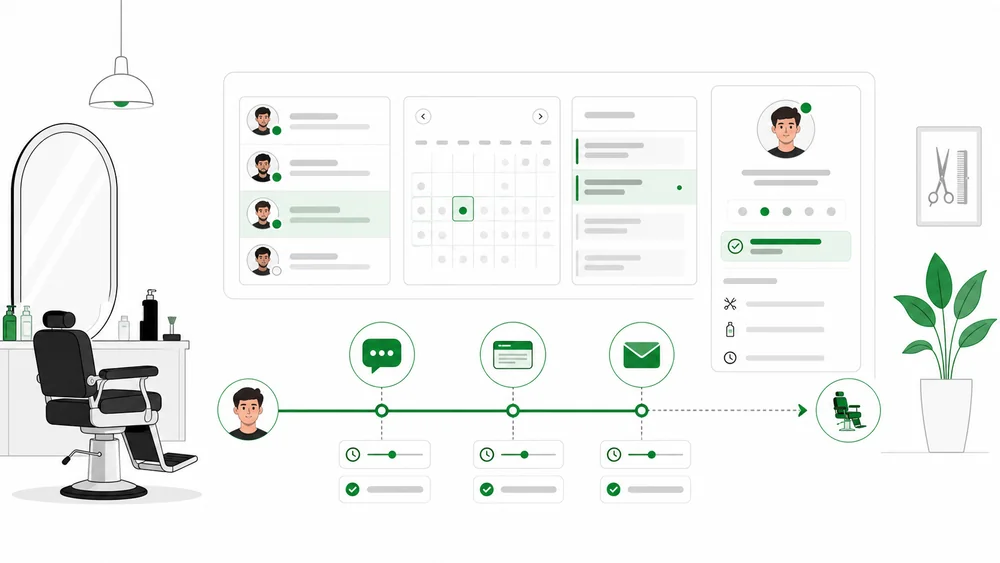
Barbershop Appointment Reminders: WhatsApp, SMS, or Email? examines barbershop appointment reminders from the perspective of an owner protecting client experience, chair utilization, and a calm team workflow.
The focus is choosing reminder channels and timing by urgency, consent, cost, and client behavior. The goal is not to add as much software as possible, but to give every appointment a clear status, owner, and next step.
Why this matters to barbershop owners
Operational problems usually appear when information moves between WhatsApp, calendars, front desk, barbers, and checkout. Every manual handoff adds risk of incorrect slots or stale status.
Clients expect fast answers about services, prices, barbers, and times. Owners need promises made through the website, WhatsApp, phone, or front desk to use the same availability.
Map the appointment journey
- A client discovers the shop through Google, social media, referral, or a visit.
- The client selects a service, preferred barber, date, and time.
- The system checks shifts, service duration, buffers, and other bookings.
- An appointment is created with a clear status.
- The client receives confirmation and reminders.
- Changes, rescheduling, cancellation, and late arrival update the same record.
- The team marks arrived, in service, completed, or no-show.
- History supports relevant rebooking and follow-up.
Any step requiring repeated copy and paste between conversations and calendars is a strong candidate for improvement.
Minimum appointment data
- client name and contact details
- service and expected duration
- preferred barber or any available barber
- date, time, and location
- booking source
- appointment status and change history
- relevant client notes
- reminder and confirmation status
- arrival, completion, cancellation, or no-show
- cases needing owner review
Avoid fields that do not affect service delivery. A concise form improves completion, while additional details can be collected only when needed.
Principles for a healthy workflow
1. Give every status one definition
Inquiry, requested, held, confirmed, arrived, in service, completed, cancelled, and no-show should mean the same thing to the entire team.
2. Make availability service- and barber-aware
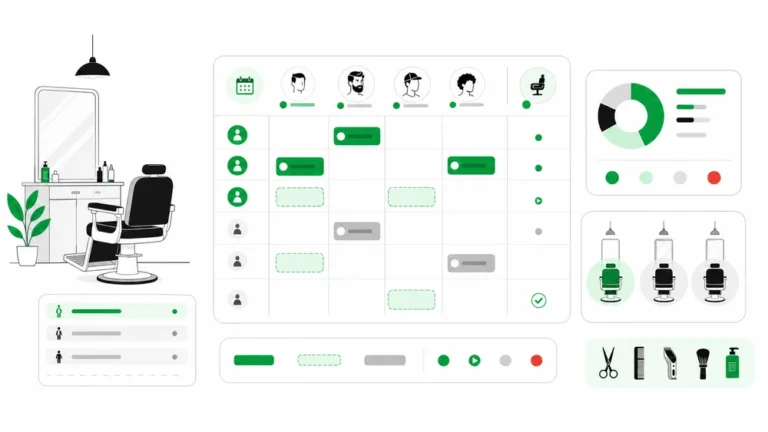
A slot should reflect shifts, skills, duration, buffers, breaks, blocked time, and the correct resource. An empty calendar cell is not always sellable.
3. Treat walk-ins and appointments differently
Appointments promise a time. Walk-ins need a position and estimate. They may appear in one view without making the same service promise.
4. Automate only safe decisions
FAQs, data collection, standard slots, confirmation, and reminders can be assisted. Complaints, special requests, conflicts, and out-of-policy decisions need human review.
5. Make every channel update one record
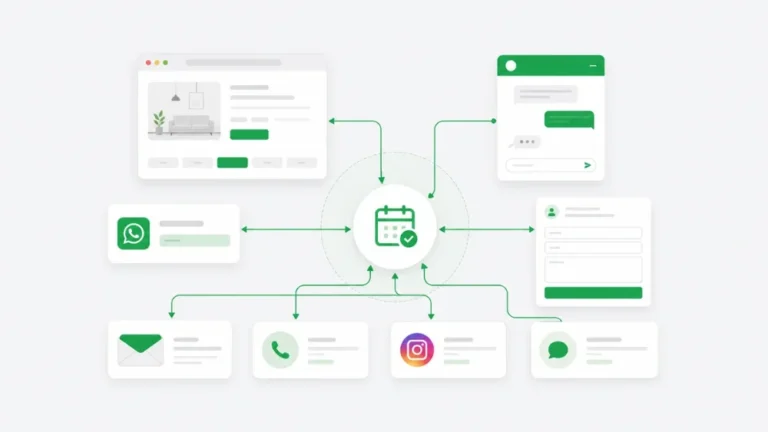
WhatsApp remains important, but time or barber changes should not remain only in chat. Web, phone, and walk-in entries should update the same source of truth.
Specific focus: barbershop appointment reminders
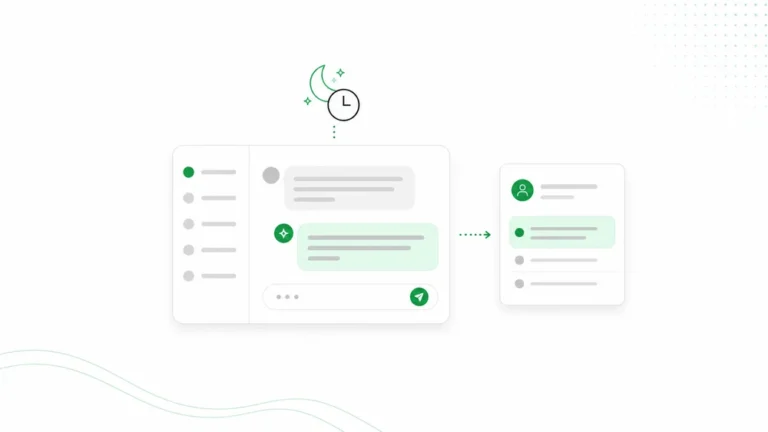
Use an earlier reminder for preparation and a near-appointment reminder for action. WhatsApp supports conversation, SMS supports concise urgency, and email supports detail. Respect consent, frequency, and opt-out.
Test the workflow with a standard booking, a reschedule request, and a case requiring the owner. Confirm that front desk and barbers understand status without rereading every message.
How Arion can help
Arion helps appointment-based businesses accept bookings through a booking page, website chat, WhatsApp, and manual entry. Business knowledge can answer questions about services, pricing, location, policies, and availability. Standard bookings can follow confirmation rules while exceptions are routed to the owner.
Bookings, customer records, conversations, schedules, and payment status can be viewed in a dashboard. Arion supports Indonesian and English, confirmations, notifications, website embedding, and customer-segment follow-up. Review Arion features and Arion pricing.
Understand the product boundary
Arion is not a complete replacement for POS, cash registers, inventory, payroll, attendance, tips, commission calculations, or accounting. Complex physical queues and dedicated appointment boards may also require another tool.
If the shop uses POS, define how completed appointments move to checkout. Do not assume real-time integration unless it is available and verified.
A phased implementation
- Map the three highest-volume services.
- Define duration, buffers, and eligible barbers.
- Define statuses and late-arrival rules.
- Document prices, policies, and FAQs.
- Add manual bookings and walk-ins to the calendar.
- Test web and WhatsApp journeys from a phone.
- Train the team to update status.
- Review results after two to four weeks.
Metrics worth monitoring
Track response time, booking completion, confirmation rate, cancellations, no-shows, rescheduling, chair utilization, appointment gaps, booking source, rebooking interval, and returning clients.
Use data to improve the workflow rather than punish a barber with one number. Performance is affected by service mix, shifts, sources, and client behavior.
System selection checklist
- Can clients select a service and barber clearly?
- Are duration, buffers, shifts, and breaks respected?
- Are walk-ins different from appointments?
- Does every channel update the same calendar?
- Do changes send the latest confirmation?
- Can reminders be configured appropriately?
- Can the owner take over exceptions?
- Is the workflow practical from a phone?
- Is POS or another operational tool still needed?
- Can data be exported and access controlled?
Conclusion
Barbershop Appointment Reminders: WhatsApp, SMS, or Email? should begin with the real bottleneck. Choosing reminder channels and timing by urgency, consent, cost, and client behavior creates more value than moving a paper appointment book into another dashboard.
Build consistent appointment records, availability rules, statuses, and ownership. Once the foundation is strong, automation can improve response speed without removing owner control.
FAQ
Does a small barbershop need booking software?
Not always from day one. Software becomes useful when conversations are scattered, schedules change often, several barbers share demand, or the owner cannot see one reliable status.
Is Arion a barbershop POS?
No. Arion focuses on booking assistance, inquiries, communication, customer records, and appointment workflows. POS handles transactions and checkout.
Can every booking be confirmed automatically?
No. Standard bookings can be assisted when rules and availability are clear. Conflicts, complaints, and out-of-policy requests require a person.
Should the shop keep using WhatsApp?
Yes. WhatsApp remains an important communication channel. Decisions from chat should become part of the appointment record.
Next step
Start with the barbershop booking software guide, then read the related article. Arion can connect inquiries, bookings, confirmations, and customer follow-up in a clearer workflow.